
Getting Started with MIMIGAME: A Beginner's Guide
Published on July 15, 2026 · Tim Mimigame
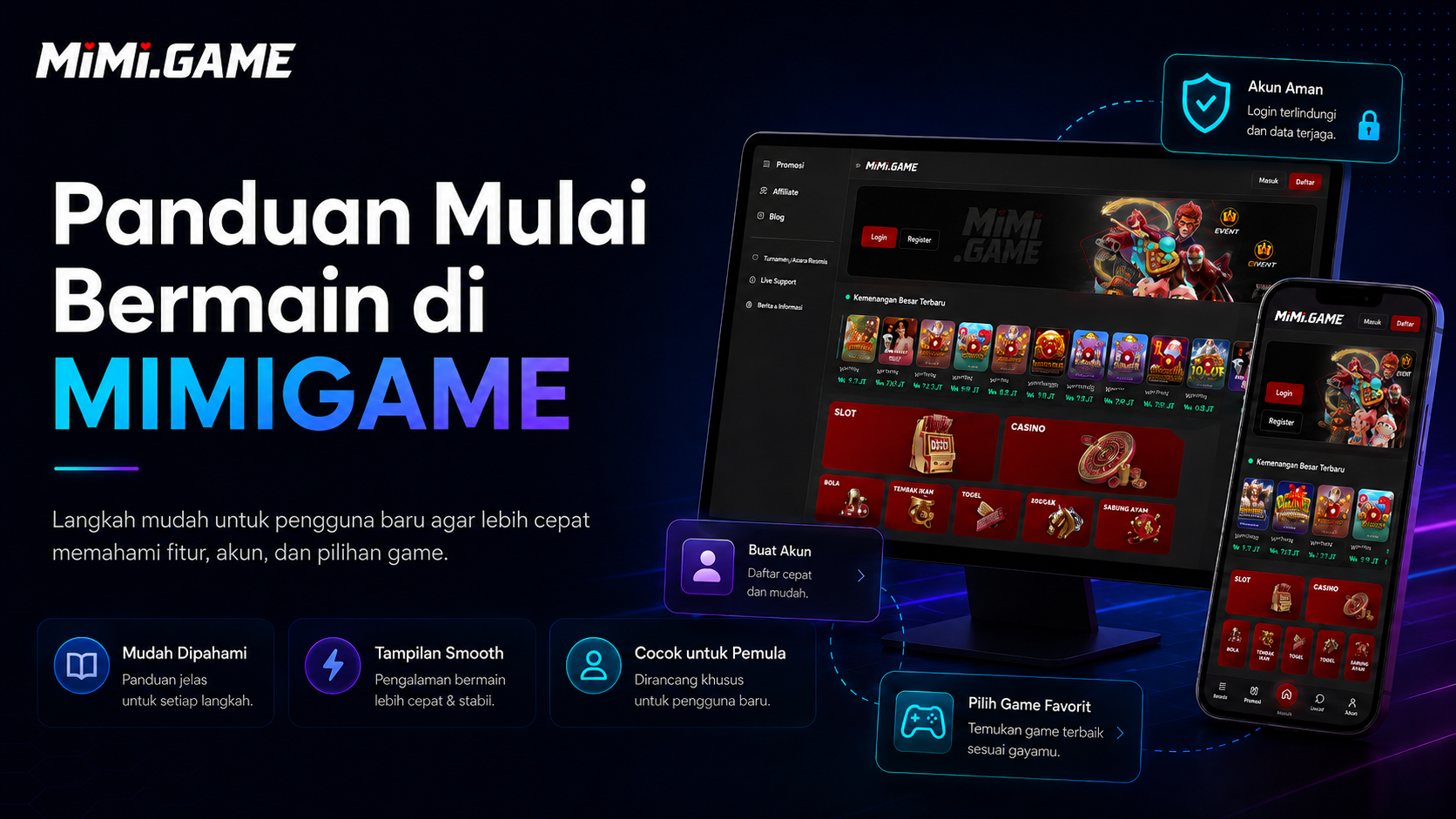
Starting on a new gaming platform can feel confusing, especially when you are not yet familiar with the menus and features available. This guide is designed to help new users understand the first steps of using **MIMIGAME** more easily.
From creating an account and logging in to choosing a game and preparing your device, everything can be done through a few simple steps.
## 1. Create a MIMIGAME Account
The first step is to register an account.
Open the MIMIGAME homepage, then select **Register** at the top of the page. Complete the registration form with the requested information, such as:
- Username
- Password
- Email address
- Phone number
- Other required account information
Review all details before submitting the form. Using accurate information can make account management and recovery easier if you ever need help accessing your account.
Once registration is complete, you can use the account to log in.
## 2. Log In with Your Registered Account
Select **Login**, then enter the username and password you created during registration.
Before continuing, check your login details carefully. A missing letter, incorrect character, or typing error may prevent you from accessing the account.
When using a personal device, keep your account information secure and avoid sharing your password with anyone else.
## 3. Get Familiar with the MIMIGAME Interface
After logging in, take a moment to explore the available menus.
The MIMIGAME interface is designed to make it easier to move between different sections without unnecessary steps. Depending on the available features, you may find the game catalogue, profile, account settings, promotions, and support options.
On mobile devices, the menu layout may look slightly different from the desktop version. However, the main functions remain accessible through the available navigation.
## 4. Choose a Game to Play
Open the game catalogue to browse the available options.
Instead of opening several games at once, new users may find it easier to start with one title. Take a moment to understand its visual layout, controls, and style of play.
Different game categories can offer different experiences, ranging from casual and arcade games to action-oriented and interactive titles.
Choose a game that suits your device and the type of experience you enjoy.
## 5. Check Your Internet Connection Before Playing
An unstable internet connection can make a game feel slow, delay responses, or increase page loading times.
For a smoother experience:
- Use a stable internet connection.
- Close applications you are not using.
- Reduce the number of open browser tabs.
- Use an up-to-date browser.
- Clear the browser cache if pages begin to feel heavy or slow.
If the game still feels unresponsive, try refreshing the page or restarting your device.
## 6. Use a Suitable Device
MIMIGAME can be accessed through a range of supported devices. Users may open the platform on smartphones, tablets, laptops, or desktop computers.
On phones with limited hardware resources, closing background applications may free up more memory for the browser.
Desktop users should also keep their browser updated so that page features can function properly.
## 7. Learn the Game Before Playing for Longer
Each game may have its own controls, features, and way of playing.
Before spending more time on a title, get familiar with the menus and information provided within the game. There is no need to jump between many games before understanding the basic mechanics of the one you are currently exploring.
Trying games gradually can make it easier to identify the style of play that feels most comfortable for you.
## 8. Keep Your Account Secure
Account security remains important whenever you use an online service.
Use a password that is difficult to guess and avoid reusing the same password from your email or social media accounts.
Never share your login information with other people. If you notice unusual account activity, change your password immediately and contact customer support through the official channels provided.
## 9. Use the Support Features When You Need Help
Not every problem has to be solved on your own.
If you experience difficulties logging in, opening a game, updating account information, or using a particular feature, use the available support menu.
Describe the issue clearly and include relevant information where necessary. Avoid sending your password through customer support conversations.
## Tips for New MIMIGAME Users
New users do not need to explore every feature at once. Start by creating an account, understanding the navigation, and choosing a game that catches your interest.
Use a stable connection and a device that feels comfortable to use. By learning the platform step by step, the MIMIGAME experience becomes easier to understand and navigate.
## FAQ
### Do I need to create an account before I start playing?
Some features may require an active account. Complete the registration process first to access the available account features and services.
### What should I do if I forget my password?
Use the **Forgot Password** option on the login page. If you are unable to complete the recovery process, contact customer support through the official support channel.
### Why does a game feel slow?
Performance can be affected by your internet connection, browser condition, available device memory, or applications running in the background.
### Can I access MIMIGAME on a mobile phone?
MIMIGAME is designed to work across a range of supported devices. The page layout may automatically adjust to match the screen size of your device.
### How do I find the latest games?
Open the game catalogue and review the available titles. The selection may be updated as new games or catalogue changes are introduced.
## Start Exploring MIMIGAME
Once your account is ready and you understand the main navigation, the next step is simple: choose a game, learn how it works, and use the available features based on your needs.
You do not need to understand everything in a single day. Start with the basic features, explore the catalogue at your own pace, and find the gaming experience that suits you best.